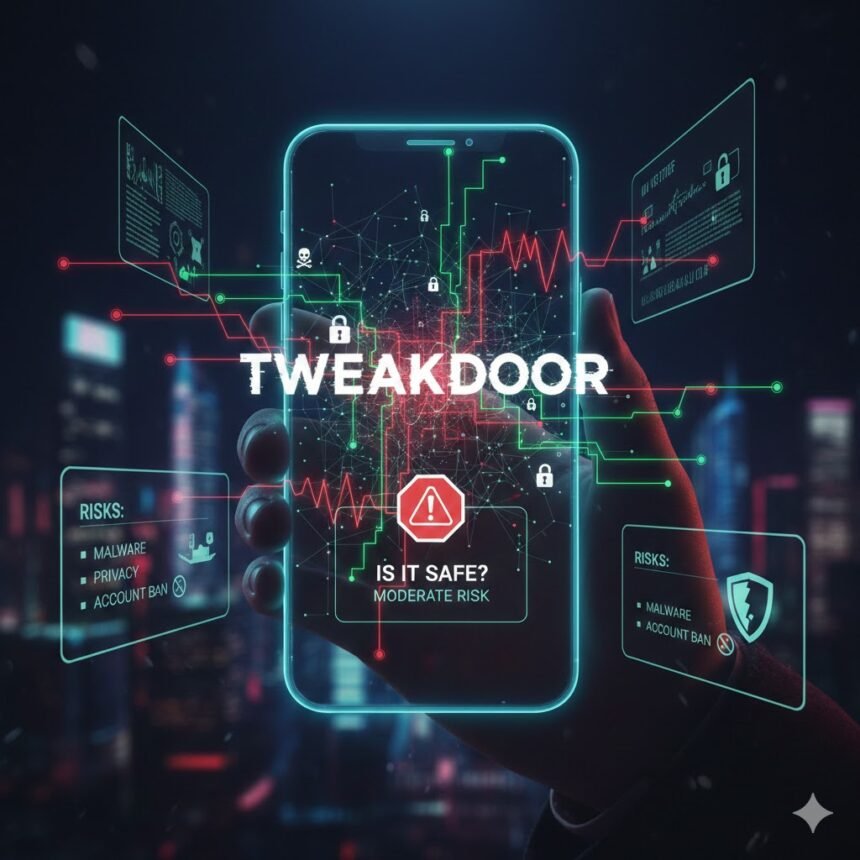
Introduction: The Buzz Around TweakDoor
In today’s digital world, mobile apps are more than just tools—they’re extensions of our daily lives. From streaming shows to customizing our devices, there’s seemingly an app for everything. Enter TweakDoor, a third-party app installer that’s gained massive attention for offering tweaked, modified, and paid apps for free. But with the rise of third-party app platforms comes a burning question: is TweakDoor safe?
If you’ve ever wondered whether it’s a trustworthy solution or a potential risk to your device, you’re in the right place. This article dives deep into TweakDoor, exploring its features, benefits, risks, and tips for safe usage. Let’s uncover the truth.
What Is TweakDoor, Anyway?
TweakDoor is an alternative app store designed for iOS devices that lets users download apps, tweaks, games, and modified versions of popular applications without jailbreaking their devices. Sounds tempting, right?
Here’s what makes TweakDoor stand out:
-
No Jailbreak Required: Unlike traditional app tweaks that need jailbreaking, TweakDoor works straight on your iPhone or iPad.
- Wide Selection: From streaming platforms to gaming mods, it offers a variety of apps that aren’t usually available on the official App Store.
- Frequent Updates: Developers behind TweakDoor push updates to ensure the apps run smoothly and stay compatible with iOS.
But while the perks are appealing, the question remains—is TweakDoor safe? Let’s break it down.
How TweakDoor Works
Understanding the mechanics of TweakDoor helps you assess its safety. Here’s a quick overview:
- Installation: Users download TweakDoor through a configuration profile on their iOS device.
- Access to Apps: Once installed, TweakDoor provides a catalog of apps, including tweaked versions of popular software.
- No App Store Approval: Unlike Apple’s official App Store, TweakDoor doesn’t require apps to pass Apple’s strict vetting process.
This last point is crucial—apps bypassing Apple’s security checks can potentially carry risks.
Is TweakDoor Safe? Breaking Down the Risks
Here’s where it gets tricky. While TweakDoor itself is not inherently malicious, there are some concerns:
- Unverified Apps: Because apps aren’t vetted by Apple, there’s a higher risk of malware or spyware.
- Privacy Concerns: Some apps may request excessive permissions, putting your personal data at risk.
- Revoked Certificates: Apple can revoke the certificates of TweakDoor apps, making them unusable until updated.
- Device Vulnerability: Using unofficial installers may occasionally trigger glitches or unexpected crashes.
So, while many users report smooth experiences, it’s essential to tread carefully.
Benefits of Using TweakDoor
Despite the risks, TweakDoor offers some undeniable perks:
- Free Access to Paid Apps: Many paid apps or premium features are available without spending a dime.
- Customization Options: From visual tweaks to enhanced functionalities, TweakDoor opens doors Apple restricts.
- User-Friendly Interface: The installer is straightforward to navigate, even for beginners.
These benefits explain why TweakDoor has a growing fanbase, especially among iOS users looking for more freedom.
How to Use TweakDoor Safely
If you decide to take the plunge, there are steps you can follow to minimize risks:
- Verify the Source: Only download TweakDoor from its official website. Avoid random links or third-party ads.
- Use Antivirus or Security Apps: Some security apps for iOS can detect malicious profiles or risky apps.
- Check App Reviews: Look for user feedback before installing any app to gauge reliability.
- Limit Sensitive Data Access: Avoid granting apps access to your contacts, camera, or location unless necessary.
- Backup Regularly: Keep your device backed up to iCloud or a computer in case of crashes or data loss.
Taking these precautions can significantly reduce potential threats.
Alternatives to TweakDoor
If safety is a concern, consider these alternatives:
- AppValley: Another popular app installer with a reputation for security.
- CokernutX: Offers modified apps with a focus on user safety.
- Ignition: Known for stability and a large library of tweaked apps.
While none of these platforms are officially sanctioned by Apple, they often have better track records for app stability.
FAQs About TweakDoor
Q1: Is TweakDoor legal?
A: TweakDoor itself operates in a legal gray area. While downloading the installer isn’t illegal, downloading pirated apps can breach copyright laws.
Q2: Will TweakDoor void my iPhone warranty?
A: Installing TweakDoor doesn’t technically void your warranty since it doesn’t require jailbreaking. However, Apple may refuse service if an unofficial app causes issues.
Q3: Can TweakDoor damage my device?
A: The installer alone is generally safe, but unverified apps downloaded through it can potentially harm your device. Always check app permissions and user reviews.
Q4: How do I uninstall TweakDoor?
A: Go to Settings > General > Profiles & Device Management, select the TweakDoor profile, and delete it. Then restart your device.
Q5: Is TweakDoor safe for kids?
A: Not entirely. Some apps may contain adult content or in-app purchases, so parental supervision is recommended.
Conclusion
So, is TweakDoor safe? The short answer: yes, with caution. The installer itself is generally trustworthy, but the apps it hosts can carry risks. By following safety precautions, verifying sources, and limiting sensitive permissions, you can enjoy TweakDoor’s benefits while minimizing potential threats.
If you’re an iOS enthusiast who loves exploring beyond Apple’s sandbox, TweakDoor is an exciting option but it’s not risk-free. Always stay informed, stay cautious, and remember: no app is worth compromising your privacy or device security.